
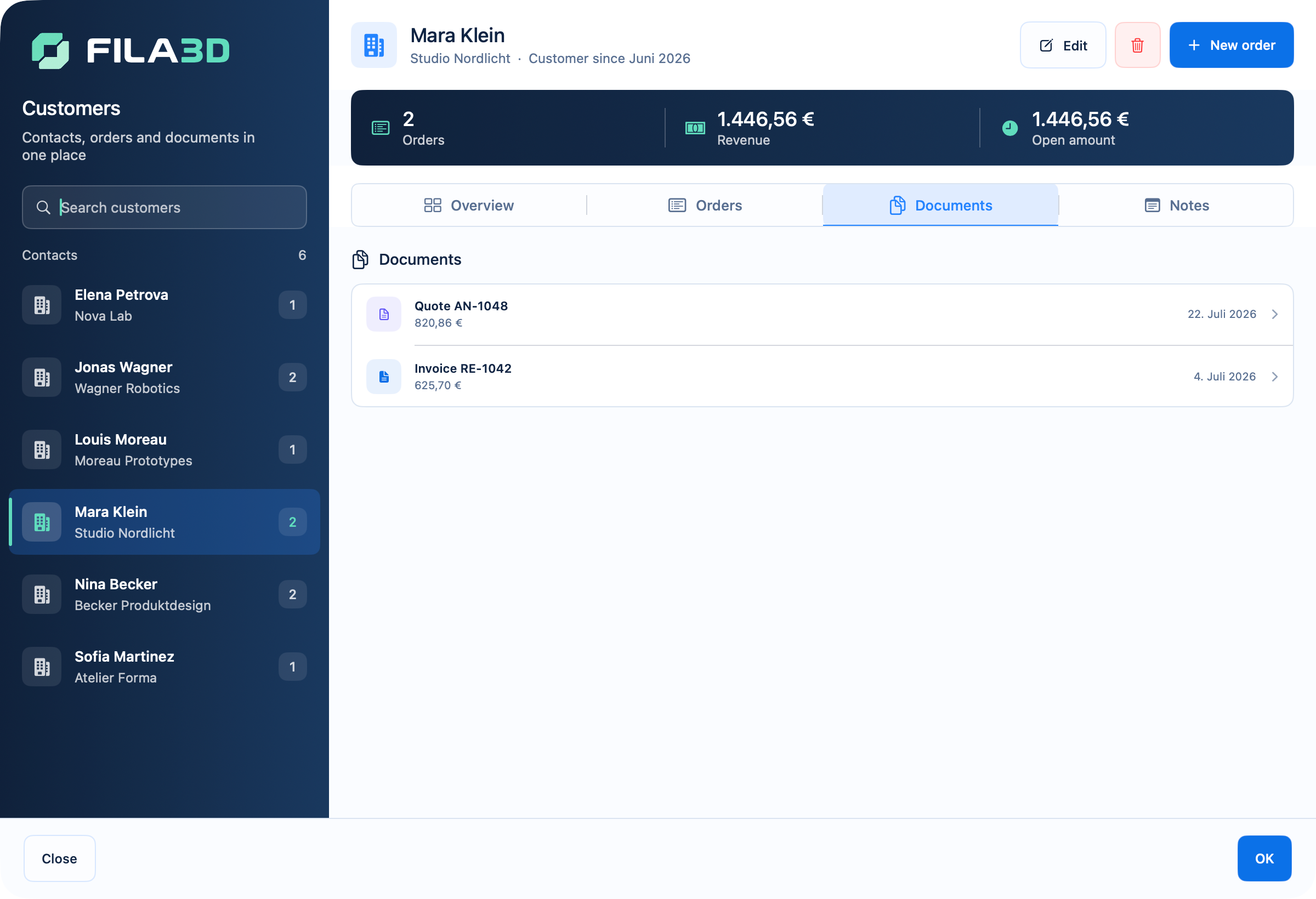
One order, one traceable history
When customer data, files, costing and documents live apart, duplicate entry and unanswered questions follow. FILA3D connects each step on the same order record without pretending to be a full ERP or CRM.
Cost
Calculate material, machine time and hands-on work per item.
Quote
Carry customer data and calculated items into the quote.
Produce
Keep priorities, files, status and machine assignment visible.
Invoice
Continue with the invoice, due date and completion in the same case.
Quote to invoice without a second data set
Every phase builds on the same customer and order information. That reduces re-entry and keeps the history of decisions clear.
| Phase | Stays connected |
|---|---|
| Customer request | Contact, requirements and notes |
| Quote | Items, costs and agreed price |
| Production | Status, priority, files and machine |
| Billing | Invoice, due date, payment and archive |
Customers, items and documents in context
FILA3D specialises in the commercial and operational flow of 3D print orders. The concrete order remains central instead of being buried under unrelated modules.
Customer record
Review contact data, cases, notes and documents together.
Production overview
Track open work, priorities, deadlines and machine assignment.
Business documents
Create quotes, invoices and payment reminders from the order.
Deliberately focused
Order software for 3D printing—not an overloaded ERP.
FILA3D focuses on costing, customer orders, production and billing. Technical print data still comes from your slicer.
- No slicing or G-code generation
- No direct printer control or live telemetry
- No cloud-storage requirement for your work data
- Perpetual licence for one named user · sign in with the purchase email
Common questions
Order management, explained
Which parts of an order can I manage?
Customer, items, costing, files, status, priorities, quote, invoice and payment stay in one flow.
Can I create quotes and invoices?
Yes. Business documents use the existing customer and order record.
Is FILA3D an ERP or a slicer?
No. FILA3D is focused order software and complements your chosen slicer.
Where is my data stored?
Work data is stored locally and encrypted on your Mac, with backup and recovery support.
How many users does a licence cover?
One named user. You sign in with the verified purchase email and can review linked personal Macs in the customer centre; additional users need separate licences.